
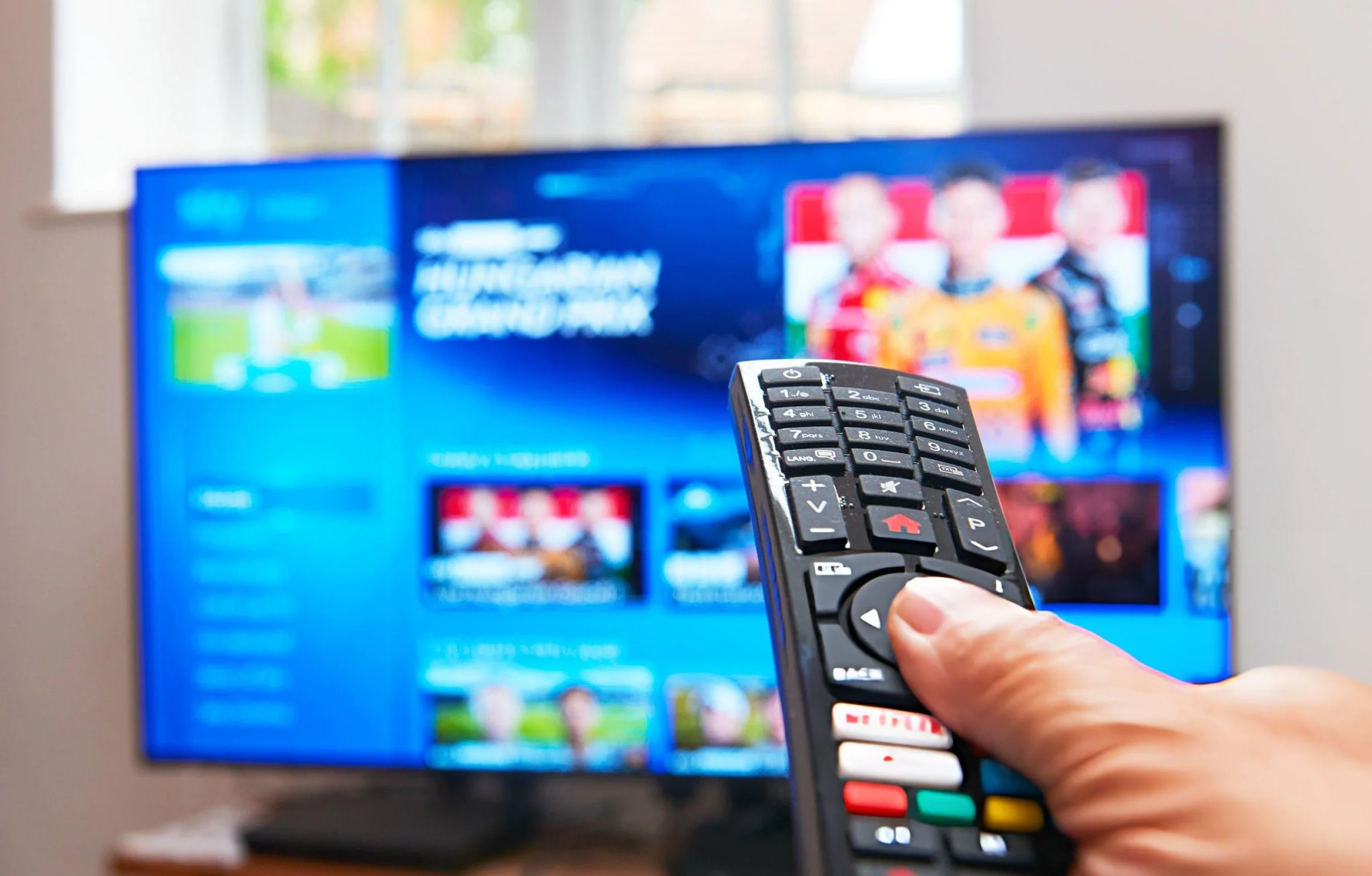
If you have spent any time in streaming communities, you have seen the TiviMate name come up. It gets recommended for its slick interface, praised for its EPG handling, and occasionally discussed for being heavier on hardware than some of its competitors. Every one of those points is fair, but they only tell part of the story.
This guide explains exactly what TiviMate is, who it is built for, how it differs from other options, and how to get the smoothest possible experience out of it. By the end, you will know whether TiviMate is the right player for your setup, or whether a lighter alternative makes more sense for your device.
We will also cover how TiviMate pairs with a subscription from FreeGo TV, since the player is only as good as the service behind it. If you want the wider context on streaming services before deciding on a player, our guide on the best streaming service in the USA is the right starting point.
What Is TiviMate Actually
TiviMate is a standalone media player app. It is not a service, and it does not provide any channels by itself. What it does is connect to a subscription you already have, whether that is with FreeGo TV or anyone else, and turn the raw stream data into a polished television interface.
The app is developed by an independent team and is available on Android TV, Google TV, Amazon Fire TV, and Android mobile devices. Unlike some other apps, TiviMate does not run natively on Samsung Tizen or LG webOS. That is an important limitation to keep in mind if you are using built-in TV software rather than a streaming stick.
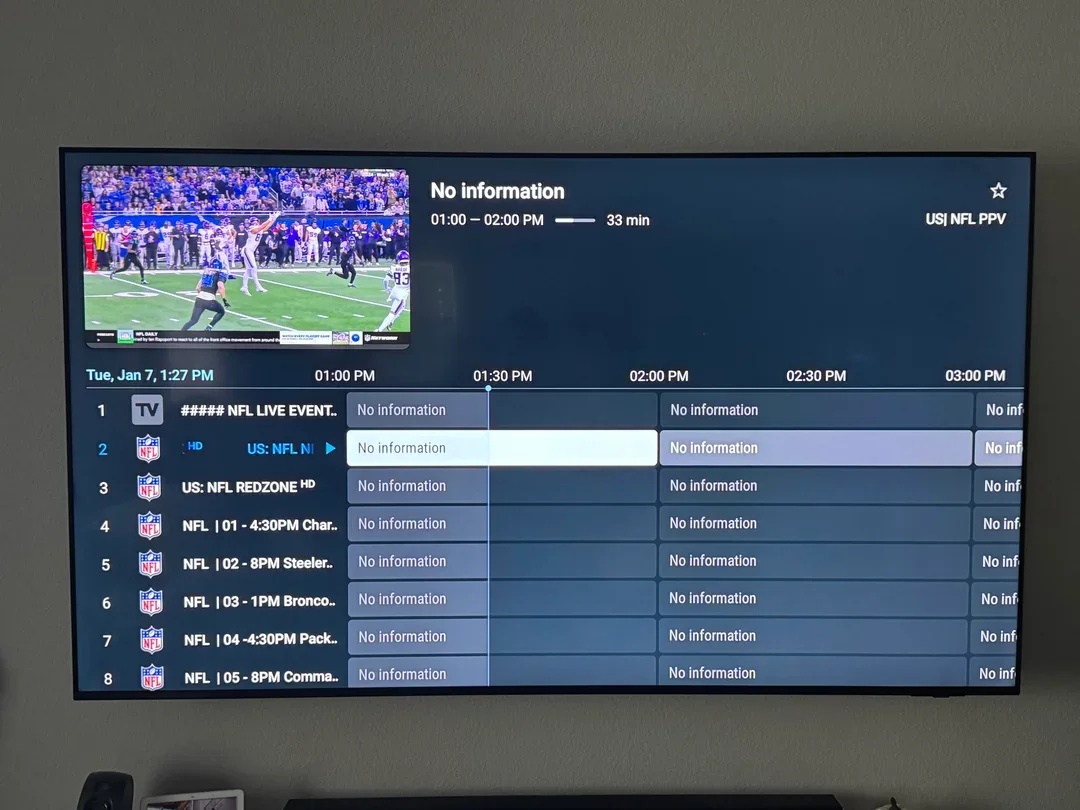
What TiviMate does better than almost any competitor is customization. You can rearrange sidebars, change color schemes, adjust channel grid layouts, tweak EPG views, hide unwanted groups, and configure shortcuts. If you enjoy fine-tuning your home theater software, TiviMate is built for you.
That level of customization comes with a tradeoff. TiviMate uses more system memory and pushes hardware harder than lighter apps. On high-end devices like an Nvidia Shield or Firestick 4K Max, it runs seamlessly. On older budget hardware, resource usage is worth keeping in mind.
The App vs the Subscription
This is a common point of confusion for new streaming users. TiviMate is simply the application interface. It is free to download and not tied to any specific provider. However, the app only displays whatever content your active subscription sends to it.
When people search for TiviMate, they are usually looking for two distinct things: the free interface application, and the underlying provider subscription that actually delivers the live channels, sports, and on-demand libraries.
We include free activation support for TiviMate and other top players with every FreeGo TV subscription. When you sign up, our team assists with installation, enters your Xtream Codes credentials, and verifies that your program guide populates correctly.
How to Set Up TiviMate on Your Device
Setting up TiviMate is straightforward, though installation methods depend on your platform. On Google Play for Android TV and Google TV, it can be downloaded directly. On Amazon Fire TV devices, installation is easily managed via sideloading tools or app store searches.
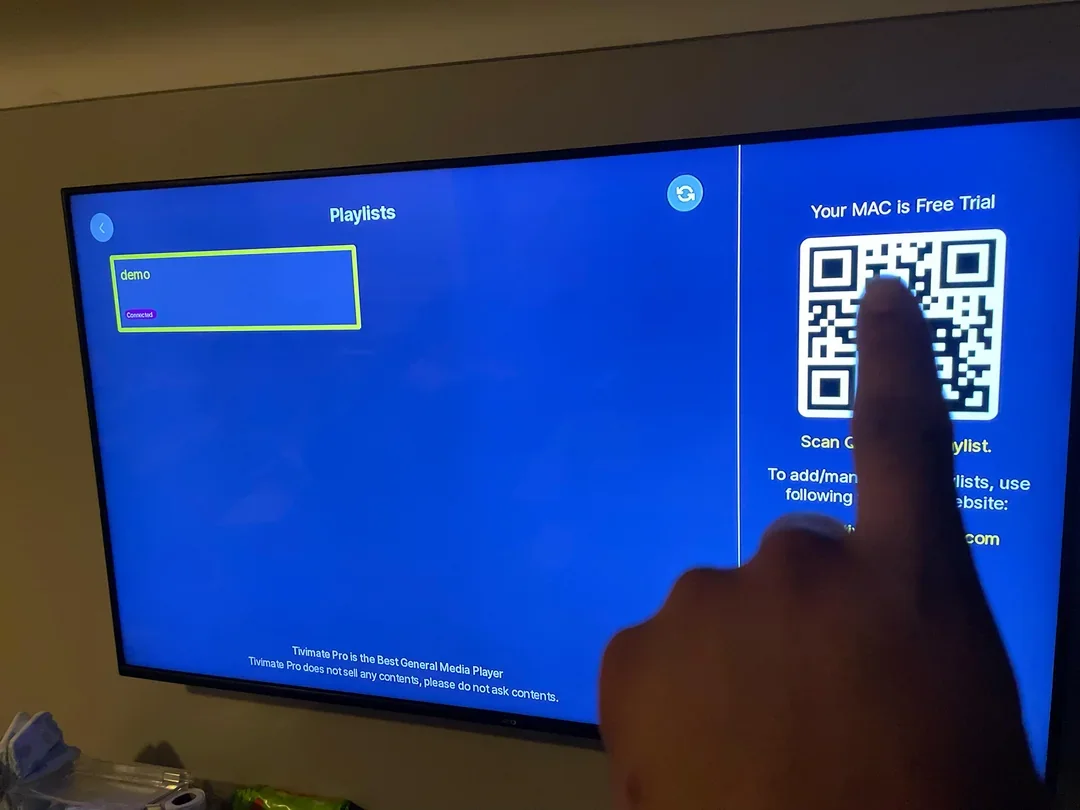
Once opened, TiviMate prompts you to add a playlist. Several connection protocols are supported, including Xtream Codes API, M3U playlists, and Stalker Portals. Always choose Xtream Codes API for the fastest connection and single-pass EPG loading.
Enter your server URL, username, and password carefully, ensuring no extra spaces are included. Once connected, TiviMate downloads your complete channel list, 7-day program guide, and on-demand media library within seconds.
Three Fast Setup Tips
- Use Xtream Codes API instead of M3U files for faster performance and automatic EPG synchronization.
- Review your EPG layout and time zone settings before organizing your favorites list.
- Test performance on your primary hardware to ensure smooth navigation across all channel categories.
TiviMate vs Alternative Streaming Players
Choosing the right player depends heavily on your hardware preferences. TiviMate excels in interface design and deep customization. Other applications, such as IPTV Smarters Pro, offer wider device compatibility across Smart TV operating systems, while lightweight apps focus on fast channel zapping on budget hardware.
If you use an Android or Fire TV device and love a polished interface, TiviMate is an exceptional choice. If you are operating on Samsung or LG Smart TVs without an external stick, alternative native applications work seamlessly.
Regardless of which player you select, performance relies heavily on the quality of your backend provider. All major players work flawlessly with your FreeGo TV subscription.
Why Reliable Infrastructure Matters
A customized interface is only as reliable as the servers powering it. Even the best media player will experience buffering or missing channel guides if connected to overloaded, shared hosting servers.
FreeGo TV operates on dedicated US edge infrastructure located in New York and Los Angeles, backed by intelligent anti-freeze load balancing. Our streams are delivered at robust bitrates during peak viewing hours, ensuring smooth playback during major sporting events and live broadcasts.
Our comprehensive US lineup includes live sports coverage across professional leagues, collegiate games, major networks, premium entertainment channels, and extensive on-demand catalogs—all fully compatible with TiviMate.
Fixing Common TiviMate Issues
While TiviMate is highly stable, minor configuration questions occasionally arise. Here is how to address the most frequent scenarios:
If playlist loading feels slow on older hardware, ensure your device firmware is updated or consider optimizing background processes. For buffering concerns, testing your local internet bandwidth or checking connection stability during peak evening hours can quickly identify whether an ISP throttling issue is present.
If the EPG guide appears blank or misaligned, simply navigate to playlist settings and trigger a manual EPG refresh, or verify that your device system time zone matches your local region.
What Our Subscribers Get
- Free setup guidance for TiviMate and alternative streaming players.
- Dedicated US-based servers in New York and Los Angeles.
- Smart traffic routing and anti-freeze load balancing.
- High-bitrate streams for crisp picture quality.
- Reliable uptime across live sports, news, and entertainment channels.
Optimized Performance
High-bitrate streaming designed for modern home theater setups.
Expert Setup Help
Assistance configuring TiviMate and other players on your devices.
Complete US Lineup
Access to professional sports, local networks, and massive on-demand libraries.
Is TiviMate Right for Your Setup
TiviMate is widely regarded as a top-tier media player for Android and Fire TV users who value a sophisticated, highly organized television guide. Its clean aesthetic and robust menu options provide an exceptional viewing experience.
If you prefer a simpler application or use a Smart TV operating system that requires native support, alternative players like IPTV Smarters Pro or IBO Player Pro provide fantastic results while pairing perfectly with your FreeGo TV account.
Getting Started With FreeGo TV
The easiest way to begin is by selecting a FreeGo TV plan and letting our support team assist with your initial configuration. We provide clear connection details and help you get up and running quickly.
Our packages start at $35 for 3-month access, offering exceptional value, robust device support, and dependable US server performance.
To review installation walkthroughs for other devices, check out our FreeGo TV setup guide. You can also compare our full subscription tiers on our FreeGo TV pricing page.
Frequently Asked Questions
06 QuestionsWhat is TiviMate in simple terms?
TiviMate is a media player application built for Android TV, Google TV, and Fire TV devices. It organizes streaming playlist data into a traditional TV guide format with channel lists and EPG schedules. It requires an active subscription from a service provider like FreeGo TV to function.
Is TiviMate free to use?
The app offers a free tier with standard features as well as an optional premium upgrade that unlocks advanced EPG tools and multi-playlist management. Both versions work smoothly with our streaming plans.
Does TiviMate run on Samsung or LG Smart TVs?
No. TiviMate is designed exclusively for Android and Fire TV environments. Samsung and LG users can utilize alternative native apps such as IPTV Smarters Pro or IBO Player Pro.
Should I use Xtream Codes or M3U in TiviMate?
Xtream Codes API login is strongly recommended because it establishes faster connections and manages EPG guide data more efficiently than static M3U files.
Can I use TiviMate on multiple screens simultaneously?
You can install the application on multiple devices in your household. Active simultaneous viewing limits depend entirely on your selected FreeGo TV plan tier (1, 2, or 3 devices).
Why does TiviMate require good hardware?
Because TiviMate features rich graphical customization and advanced EPG caching, it performs best on modern streaming hardware such as Firestick 4K devices, Google TV streamers, or dedicated Android boxes.
Final Thoughts
TiviMate remains an outstanding choice for Android and Fire TV enthusiasts looking for deep interface customization and a clean program guide. When paired with dependable infrastructure like FreeGo TV, it delivers a phenomenal home entertainment setup.
Explore our subscription plans or reach out to our team to get your player configured today.